
Do you know your spreadsheets from your databases? This blog post aims to show the difference, the advantages and disadvantages and generally help you get to know your onions.

Definitions
- Spreadsheet
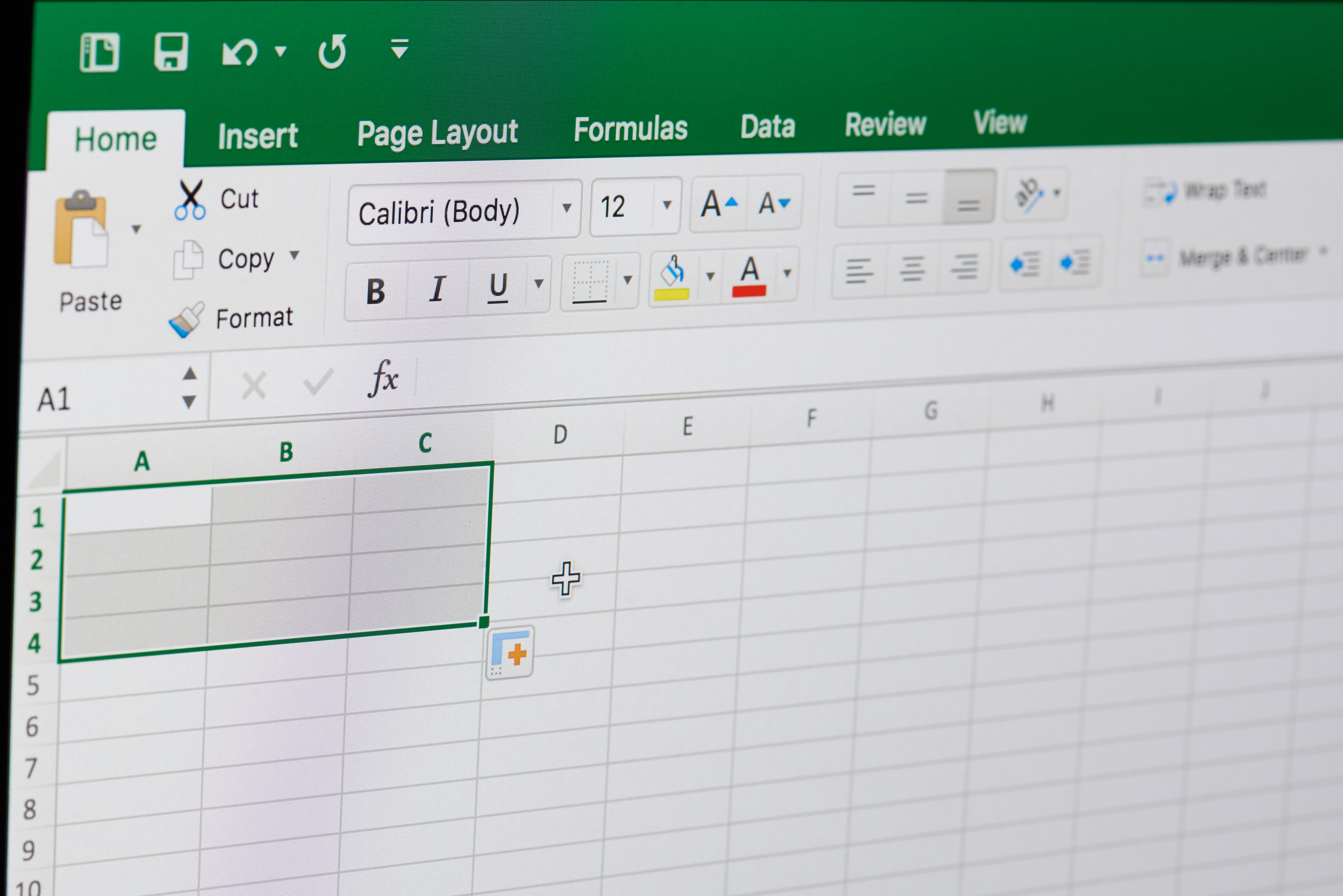
A spreadsheet is an electronic ledger made up of cells displayed in rows and columns. Data can be input in varying formats such as text, numbers, date, currency, formulas and web links. The data can be sorted, filtered and calculated but spreadsheets can be used for other functions too — I have used them for project management tasks, to create invoices, timesheets, annual leave rotas and to keep an eye on my personal finances. Microsoft Excel and Google Sheets are examples of spreadsheets. - Database
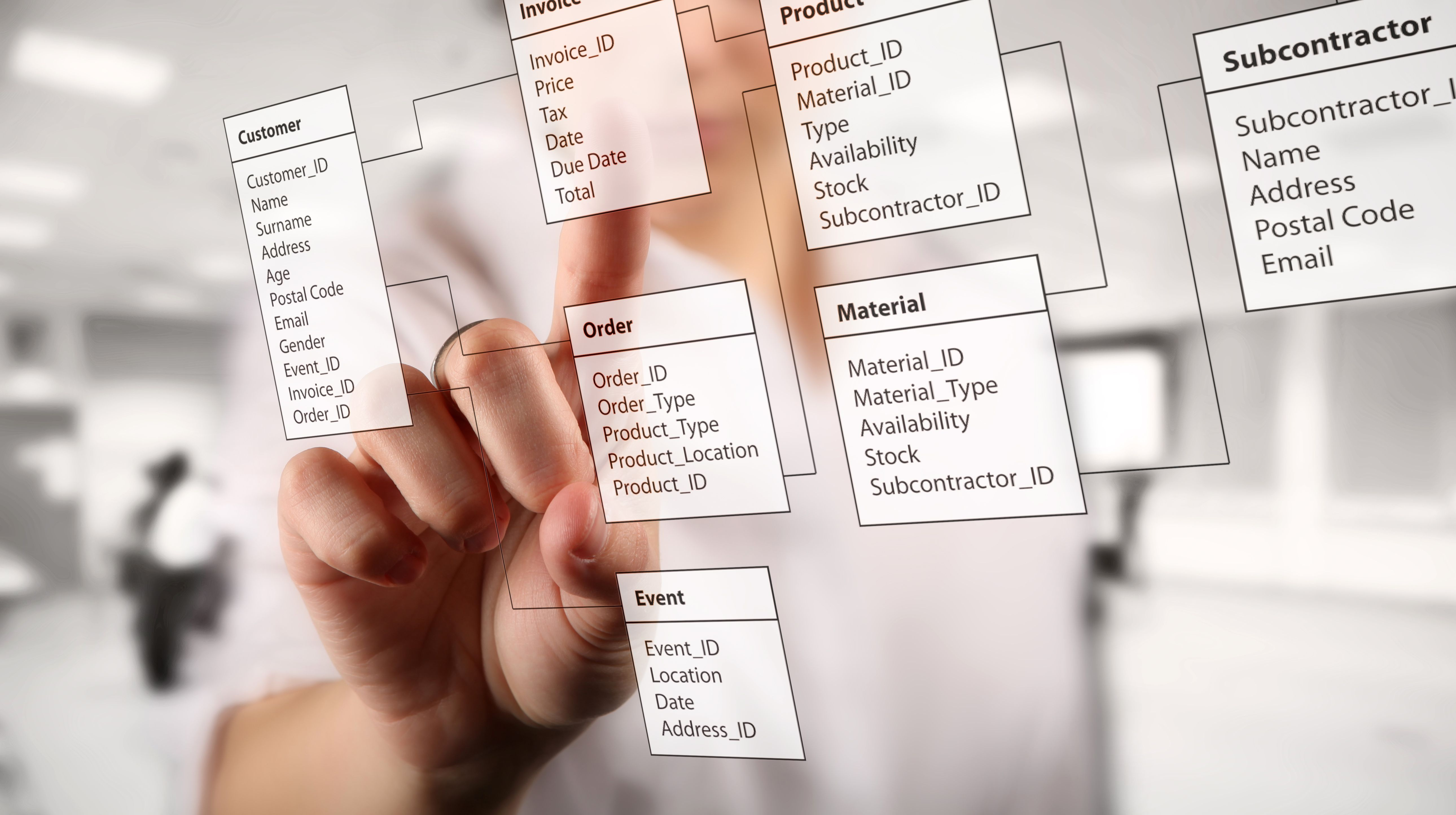
Databases are more complex than spreadsheets and store information in tables rather than cells. Banks use databases to keep track of customer accounts, balances and deposits, as do websites such as Amazon, Wikipedia, and Netflix. Microsoft Access and customer relationship management tools such as HubSpot are types of database.
The advantages of spreadsheets
- Spreadsheets are easy and inexpensive to create and update.
- You don’t need to know a programming language.
- Spreadsheets display everything at once, so when you open a spreadsheet, you can see all the data you have at a glance — or at least by scrolling or opening a tab.
The disadvantages of spreadsheets
- Large spreadsheets and complex formulas may cause a spreadsheet to become slow or unresponsive.
- Information needs to be entered manually, so updating spreadsheets can take a lot of time.
Advantages of databases
- Data can be updated automatically, saving time and reducing the chance of human error. Say for example a customer email address changes, instead of notifying all the relevant departments in your organisation, a single change will automatically update the information everywhere.
- Databases load faster and take up less storage space than spreadsheets — they also only load information that is actively being used.
Disadvantages of databases
- Databases are more expensive than spreadsheets and you may need to hire someone to manage it.
- Databases require more training than spreadsheets. If you are not familiar with the elements that make up a database, such as tables, queries, and indexes, you may find a database difficult to use.

Which should you use?
The answer to this depends on the information you want to store. You will need to consider how complex your data is, what are you hoping to achieve — are you looking to automate processes or create a simple organisational system that can be used by anyone?
What are your plans for growth — a spreadsheet may meet your needs today but as your business grows you may outgrow this method. Likewise if you are a small business you will need to consider whether a database is worth the investment.
Spreadsheets are good for simple text and numeric data but if you are looking for a solution that allows for complex information and automation, you will want to opt for a database.

Sources and further information
- 365 DataScience: Database vs Spreadsheet: What’s the Difference?
- Airtable: Database vs. spreadsheet – which is better?
- Geeks for Geeks: Difference between spreadsheet and database
- HubSpot: Spreadsheets versus databases, everything you need to know
- HubSpot: 22 advantages and disadvantages of using spreadsheets for business
© Humblebee Secretarial and Administration Support. All Rights Reserved.
 Humblebee