
Have you ever been asked to send financial, personal or sensitive by email? It is something I have been asked to do many times and has now become something of a bugbear. Why? Fraudsters are becoming increasingly savvy — if you send financial, personal or sensitive information by email, there is a risk the email could be intercepted, the funds re-directed into the wrong hands and you could be targeted by email payment fraud or identity fraud.
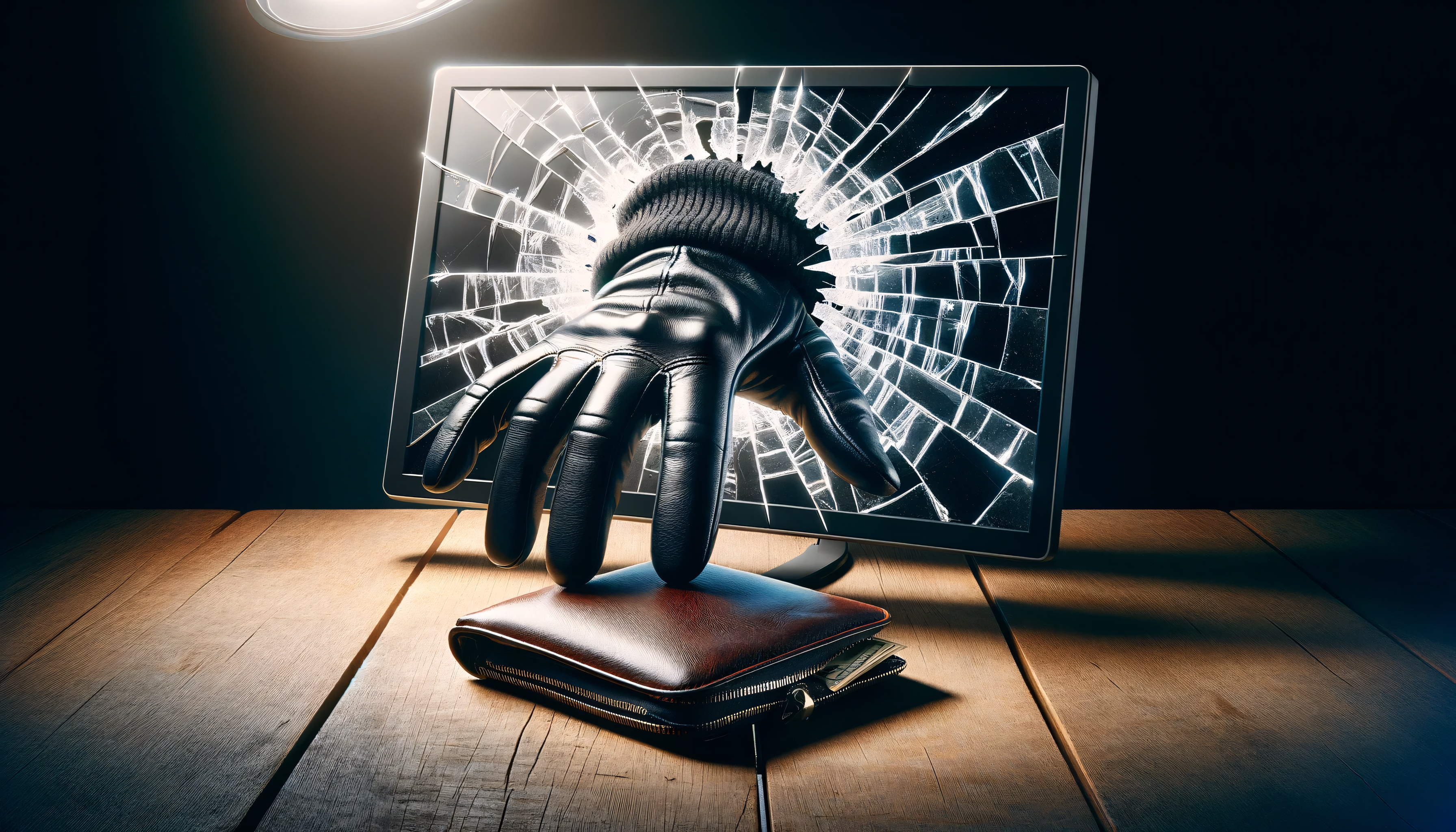
Today most of us rely on email to communicate and if an organisation you trust asks you to share financial, personal or sensitive information with them by email, you may find yourself thinking there is no harm in doing so but while email is convenient, you should never send such information whether written in the body of an email or as an attachment.
Examples of financial, personal or sensitive information include:
- bank account numbers or statements
- credit card or debit card numbers
- a passport
- utility bills
- national insurance number
- driver’s licence
- health related documentation
- passwords or authentication credentials
- birth certificates.
While it is important to be able to verify your identity, pay for a service, charge a client or provide documentation to a new employer, you need to think twice before sending it by email — organisations know better than to ask you to send such information and you should not be afraid to tell them you will not send it if they do.
What are the risks
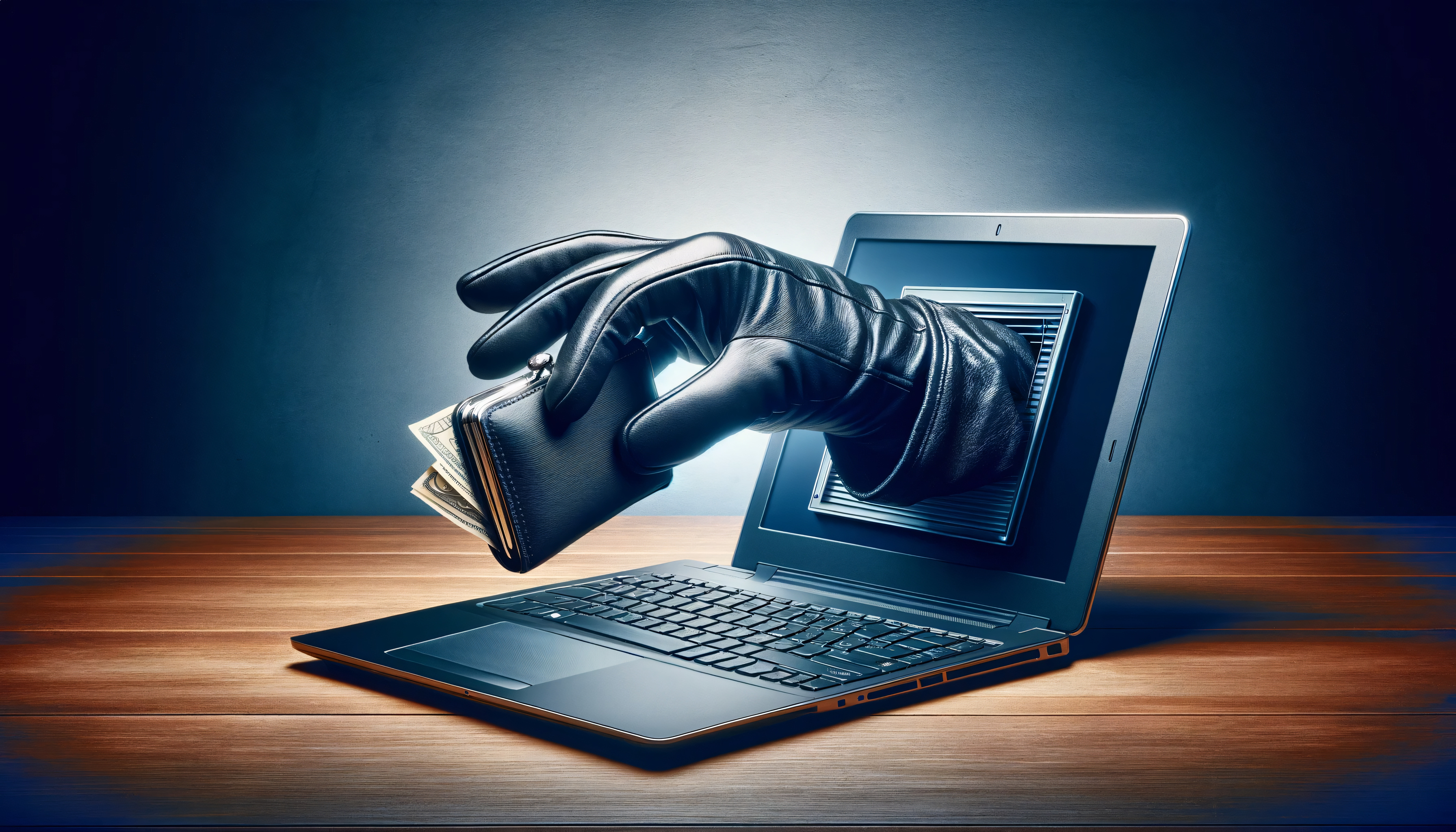
When you send an email it passes through many servers and networks on the way to its recipient. Those servers can be compromised on an emails journey to its recipient by hackers ready to steal personal information. Potential risks when sending information by email include:
- unauthorised access to your email account
- lack of encryption in your email service
- malware reading and transmitting email contents
- interception during transmission
- permanent storage of emails leading to future exposure
- human error such as sending information to the wrong person or replying ‘to all’
- the risk of your recipient forwarding your details to someone else
- phishing scams tricking individuals into revealing sensitive bank details.
Think that password protecting or zipping a document will protect you? Unless you have a long and complex password, a password protected file can easily be breached by hackers (bots for example can send multiple attempts guessing a password per second.) The same applies to zipping a file. Once a hacker has obtained your email address, they will continue working to hack into it until they finally succeed, allowing them access to monitor all activity on your computer. And while encryption can be used to protect the body of a message, it requires both the sender and the receiver to have set it up in advance.
If you have been sent bank details by email, you also need to be aware that because emails are insecure, it is possible for hackers to modify these during transmission, say replacing a bank account number, resulting in money being transferred into the wrong bank account. Every year it is thought around 200,000 people become victims of what is known as Authorised Push Payment (APP) fraud — a type of scam which sees people tricked into sending a payment to someone who is not who they claim to be.

Think before you send
Perhaps you feel your inbox is secure and that you are the type of person who would never fall prey to fraud but what about the person on the other end?
When you send financial, personal or sensitive information by email, you are putting your trust in the receiving party to ensure that your data is not compromised. Unless the recipient deletes and empties their deleted items folder, there is a copy of your data on their email system and you are trusting them to protect it. Who’s to say how many others have access to that system or how much protection has been placed onto the receiving device. However conscientious you may be, there is always a risk on the other side of things that you have no control over.
What should you do if asked to send financial, personal or sensitive information by email
If you are asked to send information by email that you feel puts you at risk, do not send it. Instead request a secure method to share your data. If a secure method is not available you should escalate the request to someone in a senior IT position at the company citing the same reason.
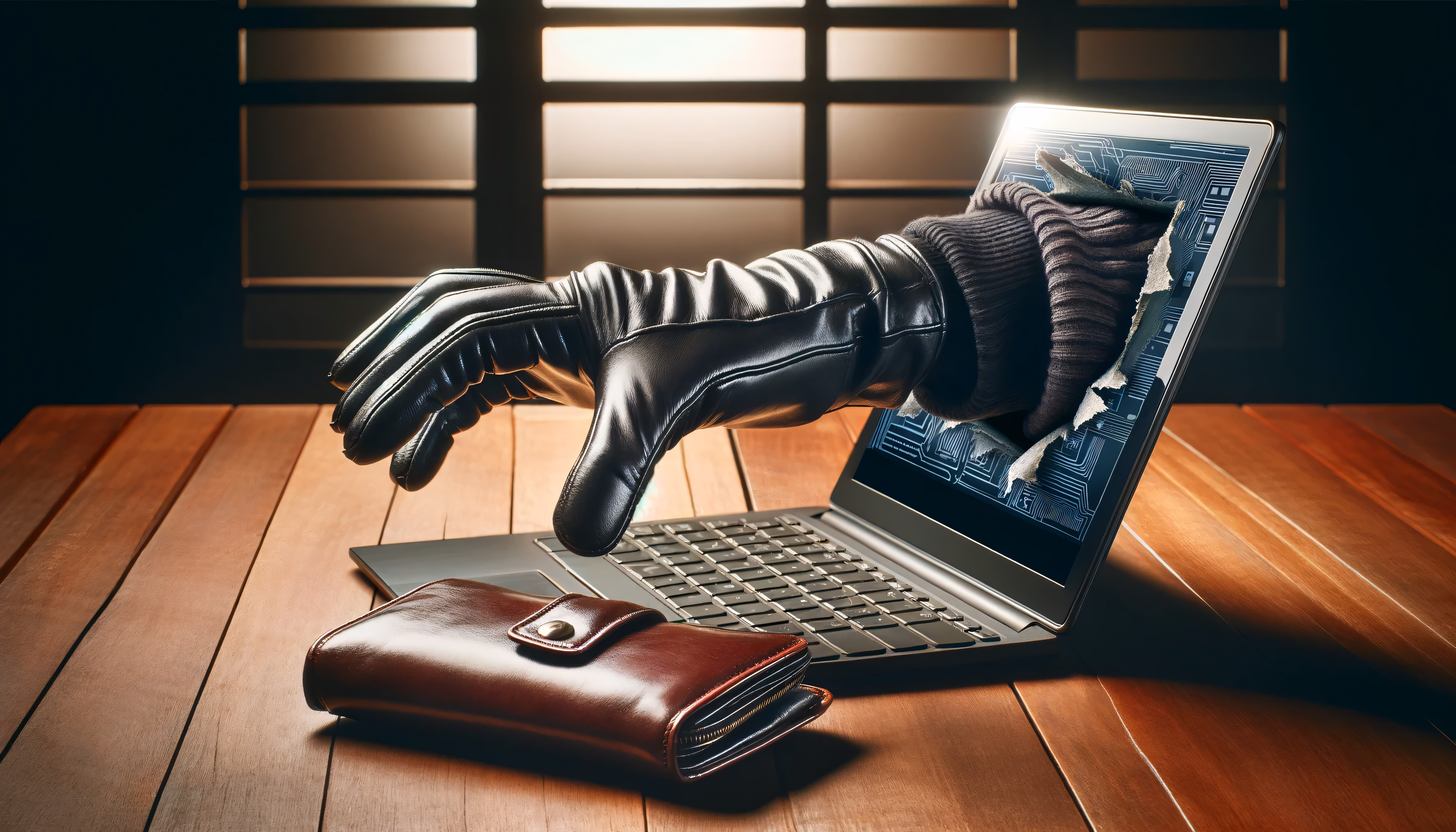
And if someone emails you a bank account number to pay them, ensure you verify it by telephone (if it is your bank or credit card company telephone numbers are printed on the reverse of the cards.) Note also that while fraudsters can copy a company name, logo or branding style, they cannot make an exact copy of an email address. Hover your mouse cursor over the email address or tap it on a mobile device to display the sender’s full email. If it doesn’t match the sender’s name it is a scam.
Best practice for sending information by email
- Do not send important information by email, either in the body of the email or as an email attachment.
- Use platforms like Dropbox for secure file sharing or encrypt your document with a password, sharing the password with the recipient separately by telephone or once receipt of the document is confirmed in a separate email.
- Use a secure email provider where possible.
- Confirm the name, department and email address of the recipient and clearly mark the email as ‘Private and Confidential’.
- Use delivery and read request settings and ask the recipient to confirm delivery also.
- Keep an audit trail of your email communications.
- Avoid using public Wi-Fi.
- Keep antivirus software updated.
- Regularly back up your computer.
- Use a strong password for your email.
- Turn on 2-Step Verification (2SV) for your email. This works by asking for additional information to prove your identity, for example, getting a code sent to your phone when you sign in using a new device or change your password. 2-Step Verification gives you twice the protection so even if cyber criminals have your password they cannot access your email.
- Use a password manager to store all your passwords securely, so you do not have to worry about remembering them. This allows you to use unique, strong passwords for all your important accounts rather than using the same password for all of them.
Alternative ways of sending information
Sending information securely by post
- Confirm the name, department and address of the recipient.
- Seal the information in a double envelope ensuring there is nothing on the outer envelope that would indicate it contains personal information.
- Ensure a return address is included on both the outer and inner envelopes in
case either has to be returned for some reason. - Send the information by recorded delivery or ask the recipient to confirm receipt.
- Obtain proof of posting from the Post Office or by using the Royal Mail app or website.
Sending information securely by telephone
- Confirm the name, job title, department and organisation of the person
requesting the information and the reason for their request. - Consider whether the information requested can be provided in response to
a telephone request. If in doubt, call them back. - Take a contact telephone number, preferably a main switchboard number which you can verify.
- Before providing any information by telephone ensure your conversation cannot be overheard by anyone who should not hear it.
- Provide information only to the person who has requested it (do not leave
information as a telephone message or share it with just any one.)
Sources
- Adobe: How to send an invoice through email step-by-step
- Axiom: Why it’s never okay to send sensitive information over email
- Lending Standards Board: The new rules for Authorised Push Payment fraud reimbursement – and what they mean for scam prevention
- Proton: Is it safe to email your bank details
- Proton: 4 ways to send sensitive information via email
- Storen Financial: 3 reasons you should not email financial information
Further information
- CyberAware: Advice on how to stay secure online from the UK’s National Cyber Security Centre
- Have I been pwned? – Check if your email address is in a data breach
- Kinsta: The top 14 secure email providers
- National Cyber Security Centre: Password managers – using browsers and apps to safely store your passwords
- Protocol: File sharing and secure email
© Humblebee Secretarial and Administration Support. All Rights Reserved.
 Humblebee